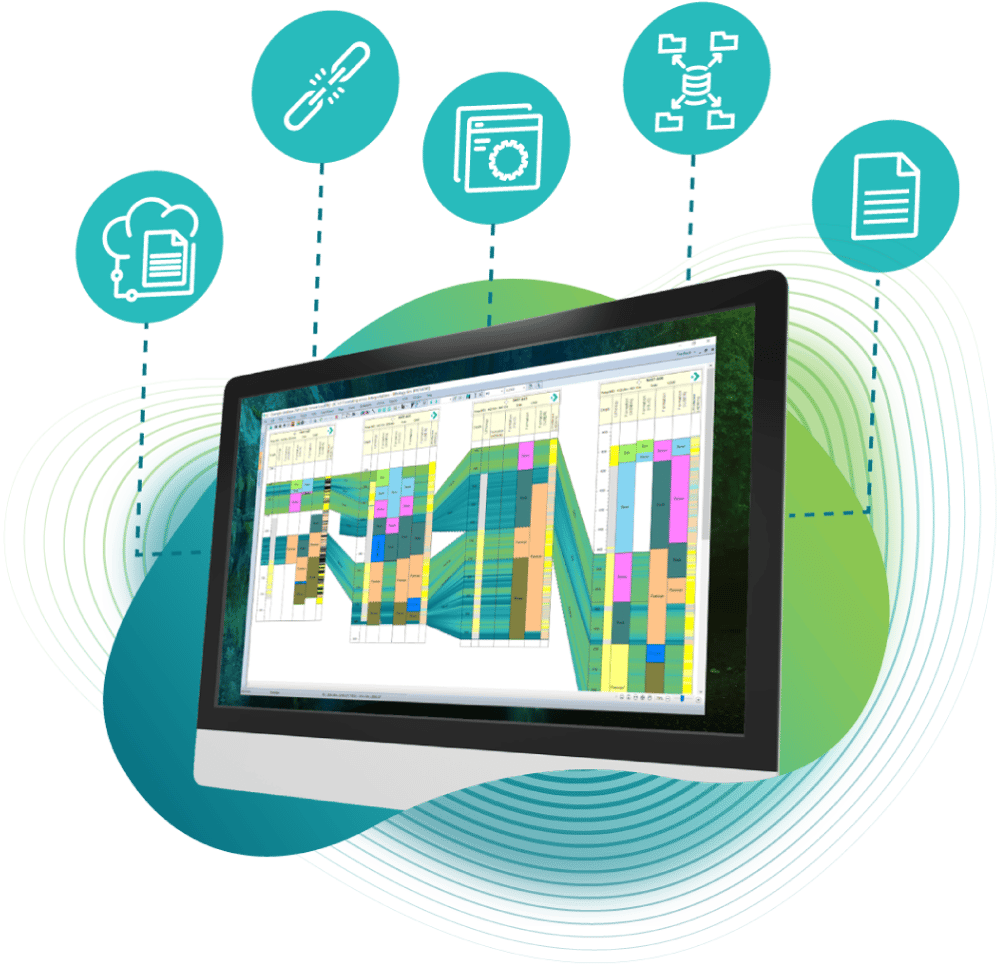
We are dedicated to continuously building the best geological subsurface analysis tool on the market.
For the latest version of Interactive Correlations (IC) 2025, we have focused on performance improvements to everyday tasks making IC even more reliable, dynamic and insightful than ever before.
Have even greater confidence in your interpretations by downloading IC 2025 today.
What's new in IC 2026? - Webinar
The tools and workflows shaping our industry are advancing faster than ever — and we’re excited to introduce the next big step.
With the launch of IC 2026, we’ve delivered powerful new capabilities designed to streamline workflows, enhance data clarity, and support seamless collaboration across teams.
The new IC 2026 webinar now available to see on our Youtube channel, here...
New Features - las import
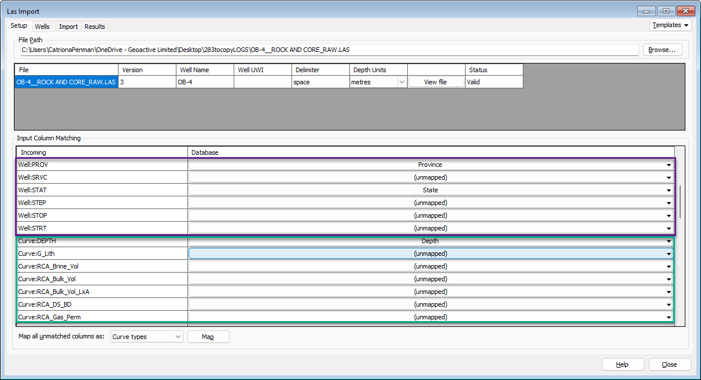
The LAS Import workflow now supports a broader range of LAS 3.0 header data, allowing all standard sections and parameters to be imported as curves or discrete data for greater flexibility. Text curves can be brought directly into discrete tables, and the importer now automatically distinguishes between header fields and data fields, eliminating the need for manual remapping. This streamlines setup, reduces errors and speeds up the overall import process.
new features - faulted ties
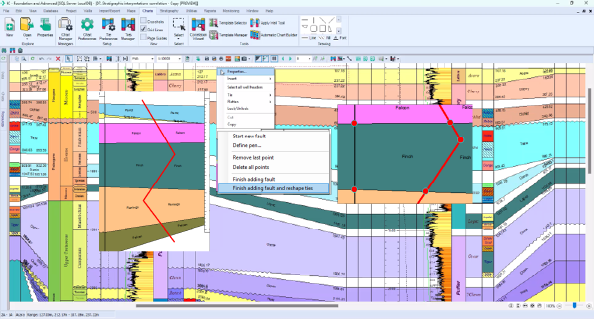
Faulted Ties introduces a more powerful way to handle faults that intersect correlation ties. A new right-click option, "Finish adding fault and reshape ties," automatically splits any intersected ties, converts them into polygons and reshapes them to fit against the fault. This provides an immediate visual estimate of zone offsets and produces cleaner, more accurate structural interpretations.
upgraded Features - correlation
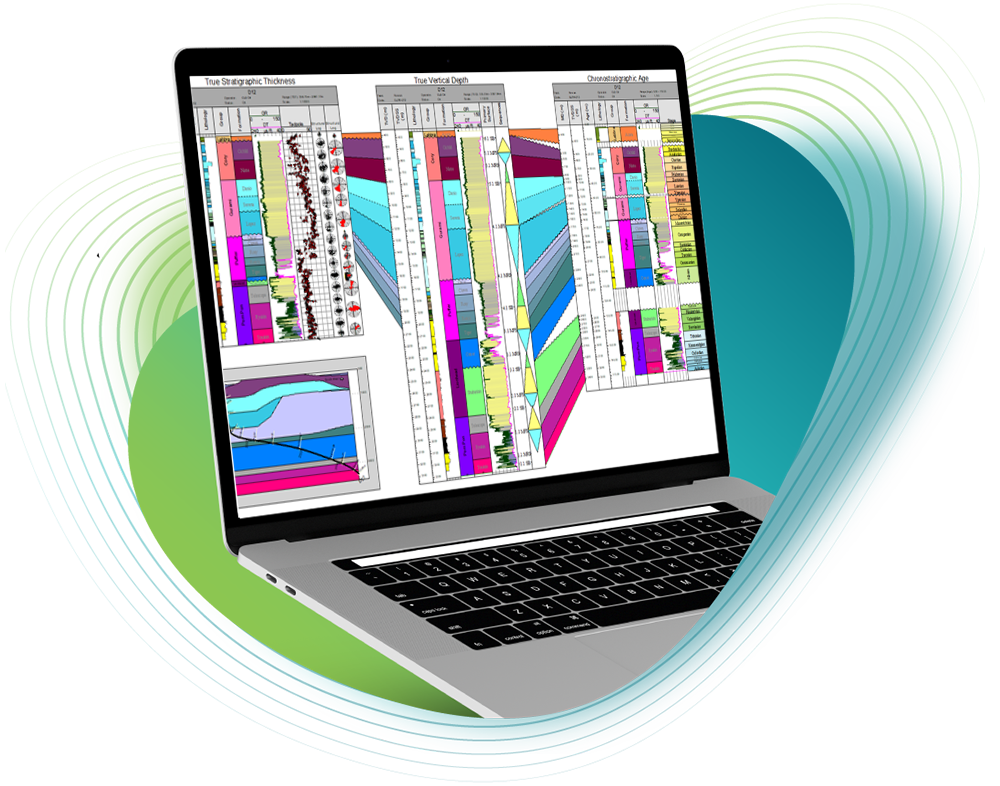
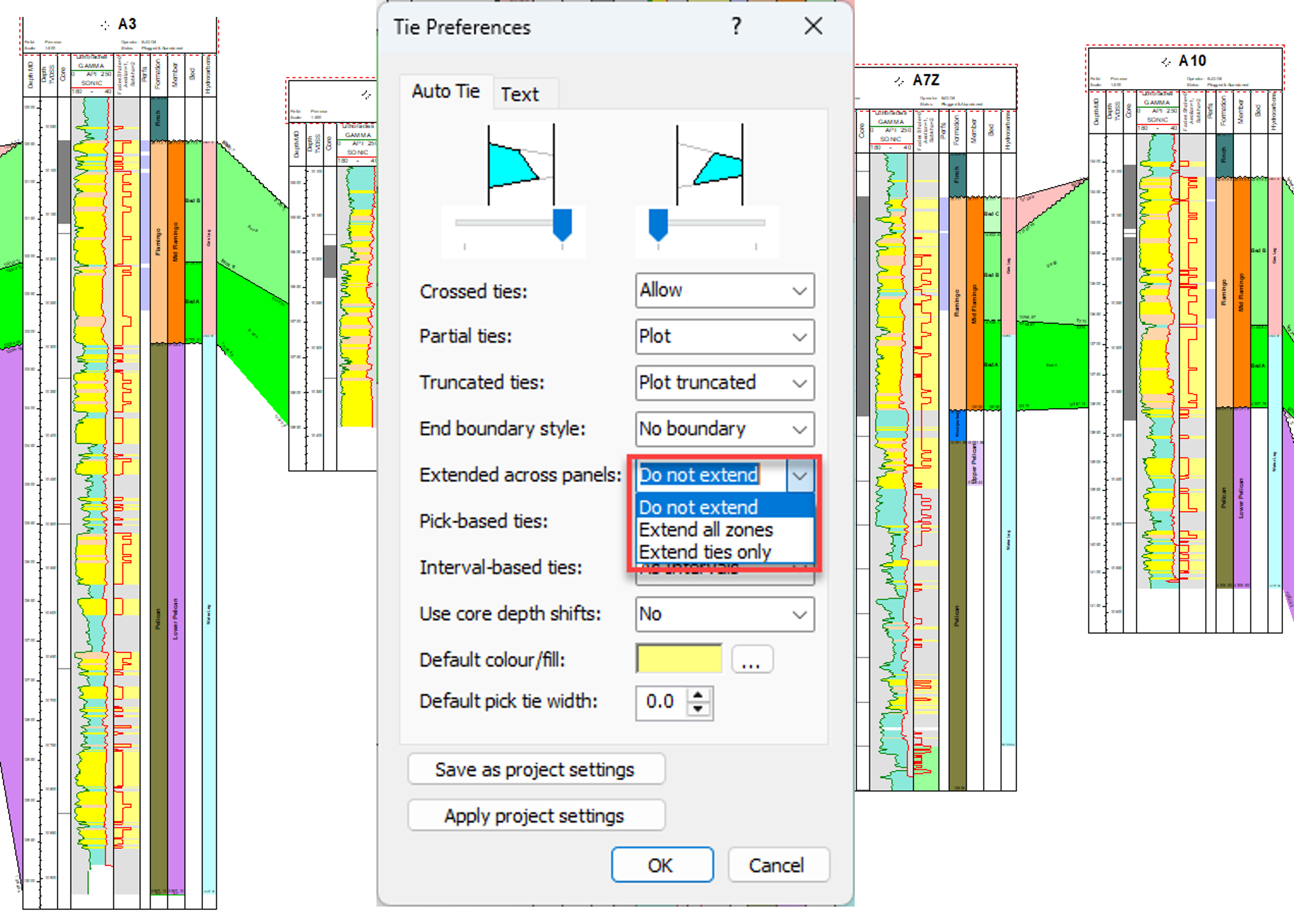
Correlation ties are more flexible, with user-defined tie display preferences that can be saved across projects. In addition to showing truncated zones, the system can now display ties behind wells even when adjacent wells do not contain the same unit, providing clearer correlations and better continuity across panels.
upgraded features - map displays
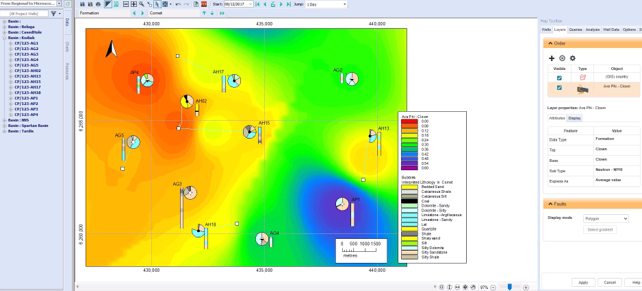
Faulted Ties introduces a more powerful way to handle faults that intersect correlation ties. Map displays now handle polygons, lines and correlation features more consistently across zoom levels, ensuring non-solid and thicker pen styles remain visible at any magnification. Analysis Sticks stay visible even when well labels are hidden, improving clarity in dense maps. The AOI resize behavior has also been refined so that adding new wells adjusts only what is necessary, updating the map to include the new well without altering unrelated layers.
upgraded Features - projection surfaces
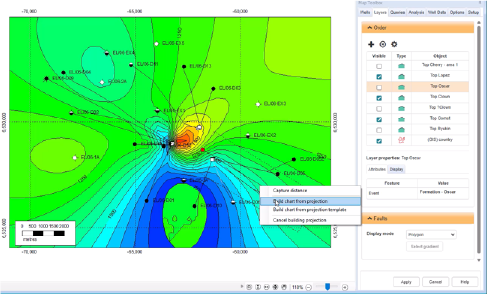
Projection surfaces are now easier to manage, with all map surfaces listed as selectable options when building projections. Any surfaces already active on the map are automatically included, and active surfaces are ordered stratigraphically for clarity, with the rest listed alphabetically. New arrow controls also allow you to adjust the order manually, giving you finer control over how surfaces appear in the projection.
Toolkits